The Amazon Buy Box is the area of a product page where shoppers can add an offer to their cart or buy it immediately. Amazon calls this area the Offer Display and the offers within it Featured Offers. More than one offer can appear there. Amazon’s explanation of the Featured Offer covers price, delivery, customer experience and stock.
For a brand or agency, the useful question is what changed for a particular ASIN, when it changed and which records can help explain it. This guide gives you a way to organize that investigation.
What can affect the Featured Offer?
Amazon advises sellers to consider the total price including shipping, delivery speed and certainty, the order experience, and available stock. Its guidance says merchant fulfillment can compete with FBA. A low item price alone does not establish why an offer was selected.
Amazon also lists stock shortages and prices that appear too high or suspiciously low as possible reasons a page has no Featured Offer. Check the current message for your offer before choosing a fix. See Amazon’s guidance and FAQs.
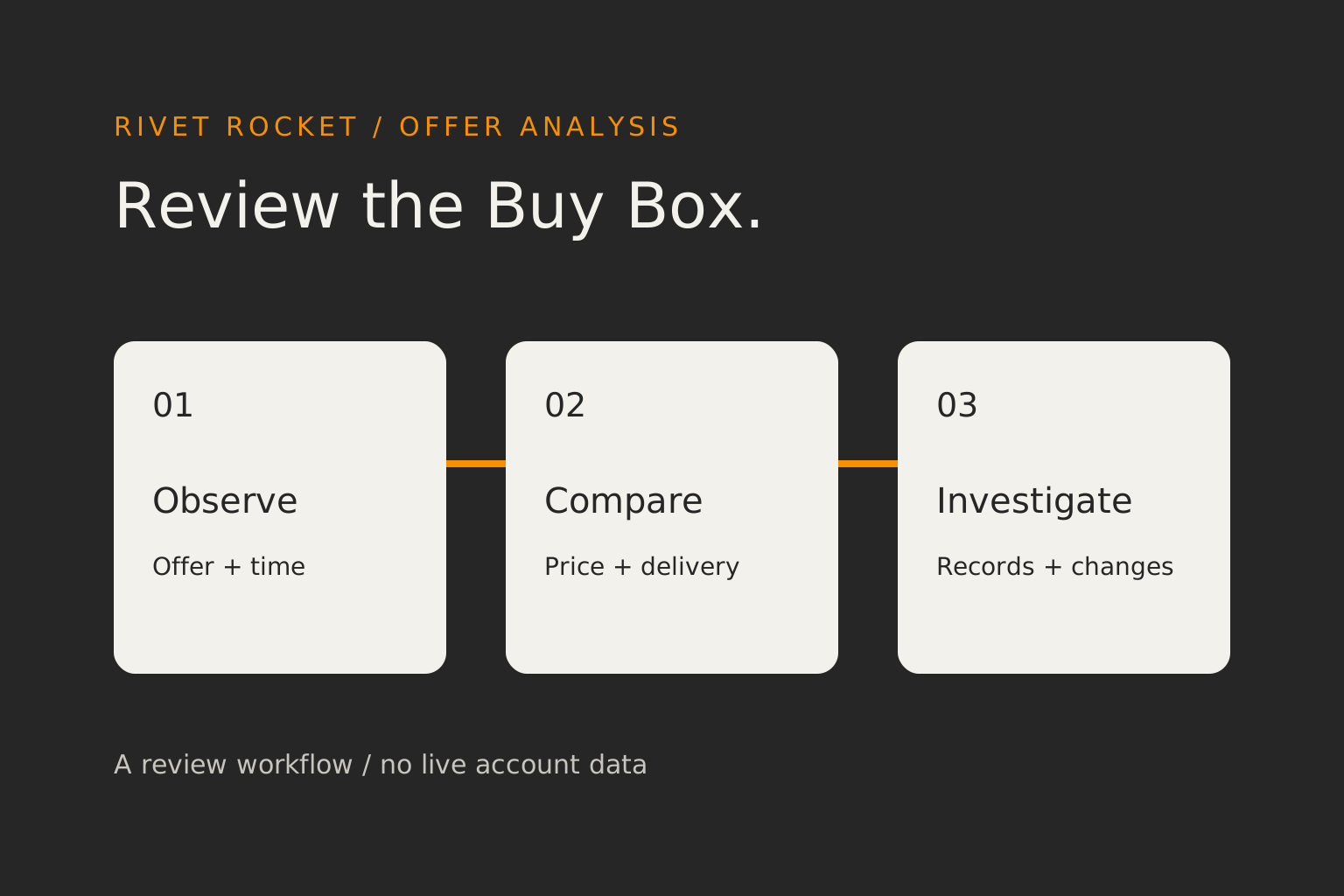
Separate three different observations
- Your offer is featured: record the time and delivery destination of the check.
- Another offer is featured: record its seller, condition, total price and delivery promise alongside yours.
- No Featured Offer is visible: record the page state and any account messages. Avoid labeling this as a competitor win.
Keep a failed or incomplete check separate from all three. Missing data does not prove that your offer lost. Also distinguish one page observation from an account report covering a period: they answer different questions.
Build an ASIN monitoring record
Start with one affected product. Use a log your team can check and repeat. Record the following fields before changing a price or shipping setting.
| Record | Why keep it? |
|---|---|
| Marketplace, ASIN, SKU and condition | Keep the product and your specific offer identifiable. |
| Timestamp, time zone and source | Separate a fresh check from a stale screenshot or report. |
| Delivery destination and check context | Make repeat observations comparable. |
| Featured seller or no-offer state | Describe what was visible without assuming a cause. |
| Item price, shipping charge and delivery promise | Compare the full offer shown to the shopper. |
| Your stock status and account messages | Add the records available to the account owner. |
Choose a review schedule your team can maintain. Log any price, stock or shipping changes with their timestamps. If you use a data provider, confirm its sampling locations, refresh interval, missing-data behavior and permitted use before interpreting its chart.
Read a location comparison carefully
The table below is an invented example for one merchant fulfilled offer. Both checks occur in the same review window. It illustrates how to form a question from observations; it is not a Rivet Rocket result or a claim about Amazon’s selection formula.
| Check | Your total price | Delivery shown | Featured offer observed |
|---|---|---|---|
| Destination A | $30 | 2 days | Your offer |
| Destination B | $30 | 5 days | Another seller |
The price stayed the same in these two observations, while the delivery promise and featured seller differed. That gives the team a reason to inspect shipping coverage and the competing offer at destination B. It does not prove delivery caused the difference.
Two observations cannot establish a national win rate or a result for every address in either state. Repeat the checks under recorded conditions and keep raw observations available. A map should help you choose where to investigate.
Investigate before changing the price
- Confirm the observation. Recheck the same ASIN, condition and destination. Record whether your offer, another offer or no offer is featured.
- Read the account messages. Amazon points sellers to Manage All Inventory and Pricing Health for offer and price checks, and Account Health for service metrics.
- Compare the timeline. Place your stock, price and shipping changes beside the observations. Mark unknowns rather than filling them with assumptions.
- Choose one action to evaluate. Assign an owner, a reason for the change and a review date. Record other changes that could affect the result.
If a price test is justified, write down the contribution you need to retain and the evidence that would make you keep or reverse the change. The Amazon price-testing guide helps structure that decision. The FBA fee calculator can estimate contribution from your entered costs for an FBA scenario.
Connect the investigation to your team’s tools
Rivet Rocket’s Buy Box map is temporarily paused. Explore the AI brand manager for conversations about your connected sales, stock and pricing data. Keep your offer observations in the investigation record; this does not imply live Buy Box tracking.
The Amazon pricing tool preview shows a workflow for reviewing recommendations. Bring your observation log to the conversation so the pricing question has a clear starting point. If sales are falling more broadly, continue with the account diagnosis guide.
Sources and review scope
Public Amazon guidance reviewed October 4, 2026. The monitoring workflow and worked example are editorial suggestions. Signed-in account messages and tool data have not been verified for your account. Confirm current guidance in your marketplace.